An easier way to understand planning.
The Interactive House is a tool on the UK Planning Portal that helps homeowners understand what planning permission and building regulations their project needs. Instead of reading long pages of rules, people click around a house, inside and out, to find clear, simple guidance for each type of project. I led the UX, the UI design and the full Webflow build, from start to finish, at TerraQuest. The house illustrations were created by another team member; I designed the interface around them and built the whole site.
Planning permission is confusing and the rules are hard to read, so most people do not know what their project needs.
I led the UX, the UI design and the full Webflow build of a simple, clickable house that explains it clearly.
A live tool on the Planning Portal, featured by Webflow as fun, visual and easy to use.
The rules were hard to read.
Planning permission and building regulations are some of the most confusing parts of home improvement. The information was all there, but it sat in long, text-heavy pages that were hard to read and easy to give up on. The goal was to make it clear and easy to use, without leaving anything out.
…make planning rules simple and easy to explore, while keeping every detail accurate and accessible?
UX, UI and the full build.
At TerraQuest I led the UX, the UI design and the entire Webflow build, from start to finish, working with the Planning Portal team. The house illustrations were designed by another team member, I designed the interface and interactions around them, and built the complete site in Webflow. The aim was simple: replace long pages of rules with something clear and easy to click through.
Organised the content and worked out how people would find the right guidance.
Designed the interface, layouts and user flows around the house illustrations.
Built the whole site in Webflow, a scalable CMS with all the interactions and animations.
Made sure it worked on every screen and was accessible, then added a feedback option to keep improving it.
From flat 2D to interactive 3D.
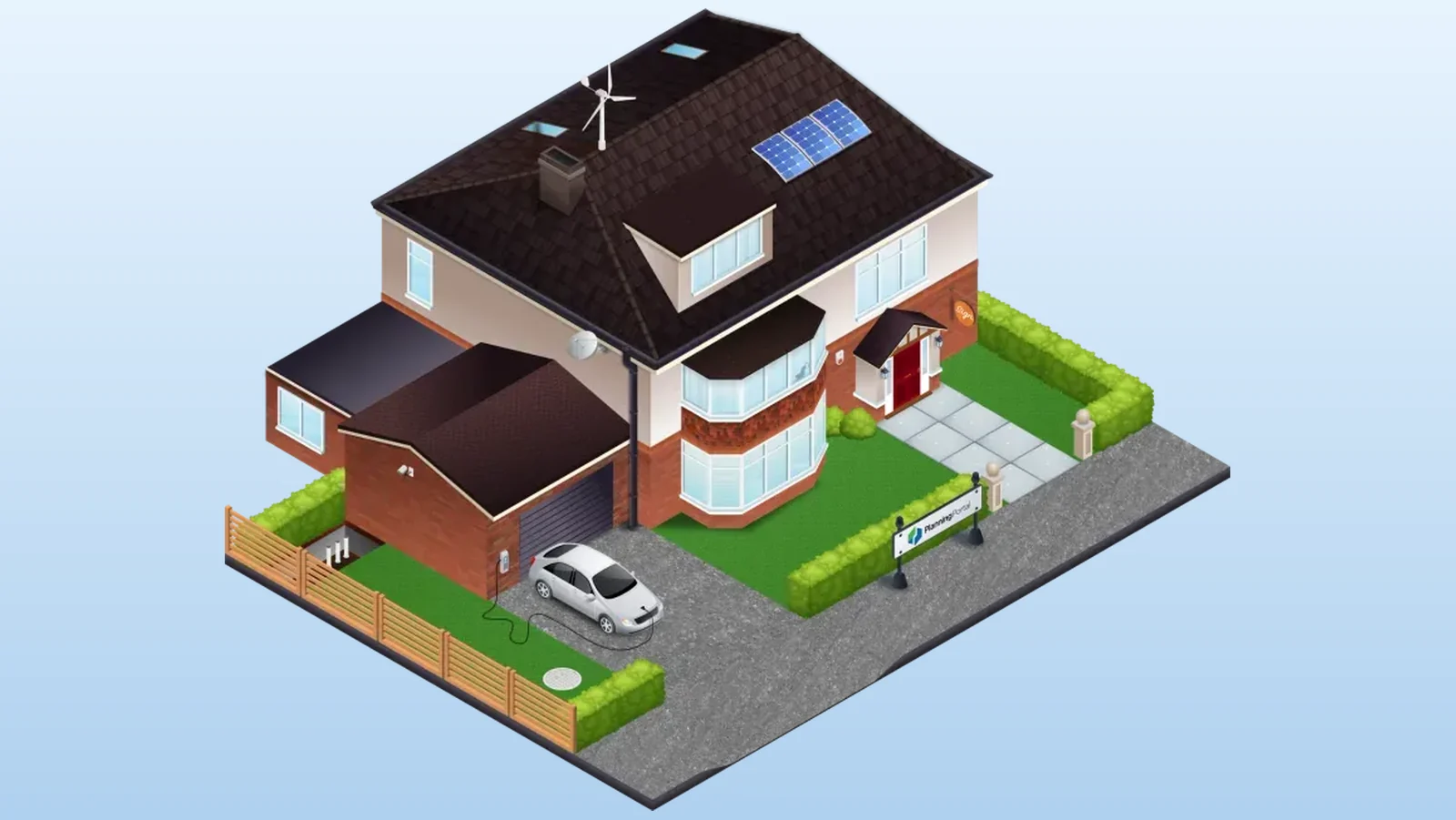
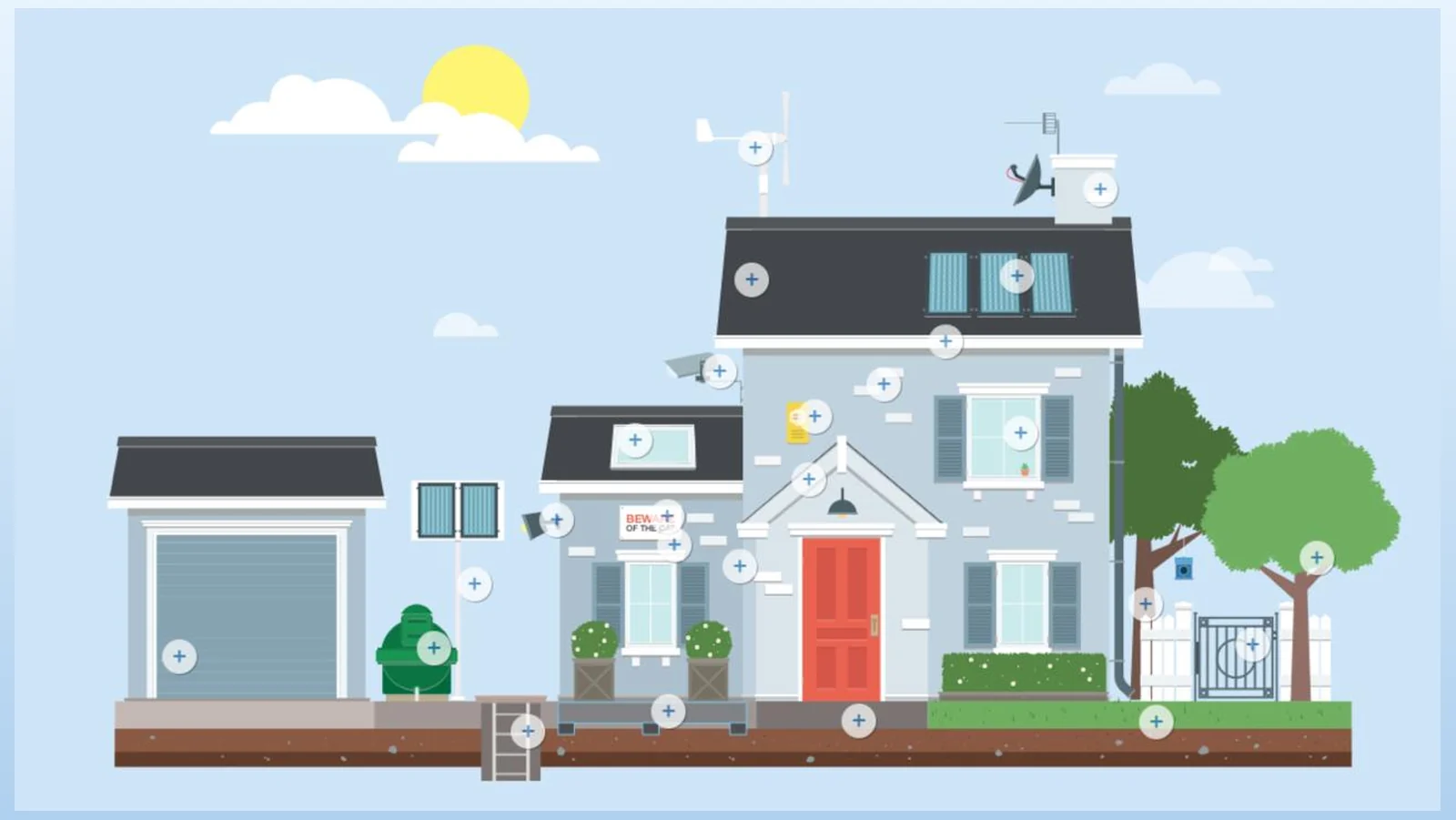
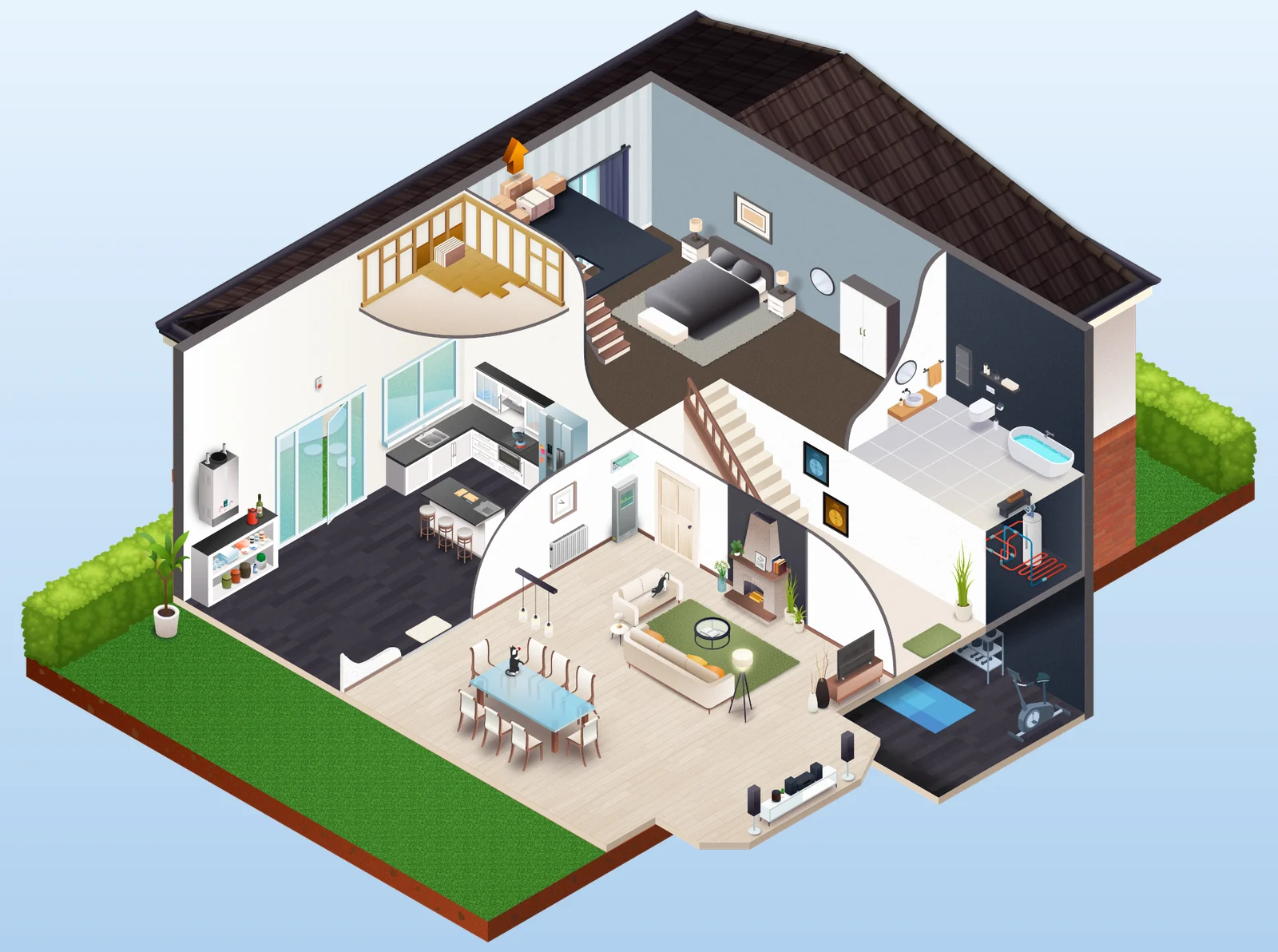
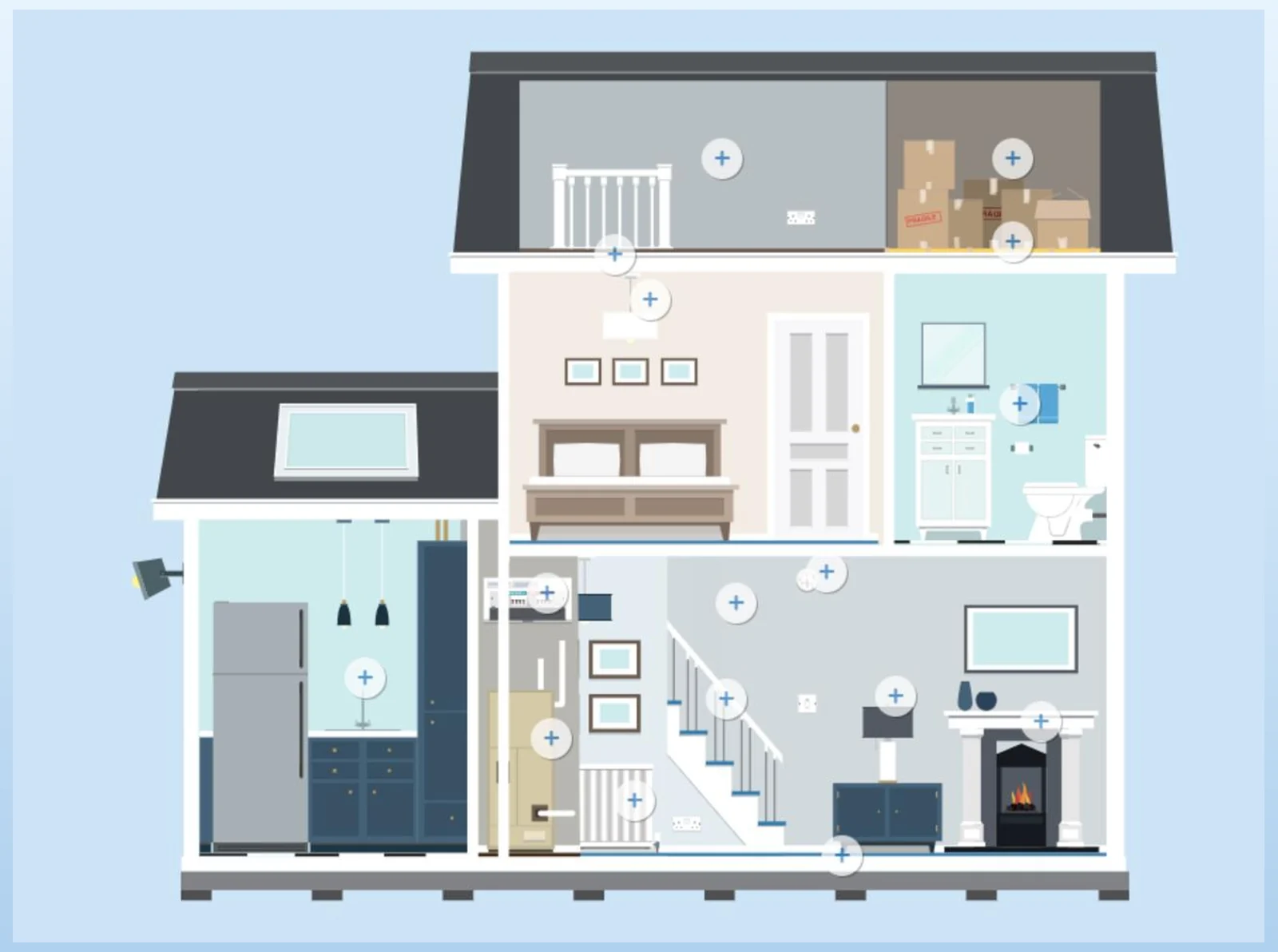
The old planning house was a flat, static illustration. I redesigned it into a detailed, interactive 3D home that people can click through and explore. Drag the slider to compare the old version with the new one.
Front view
Interior
Rear view
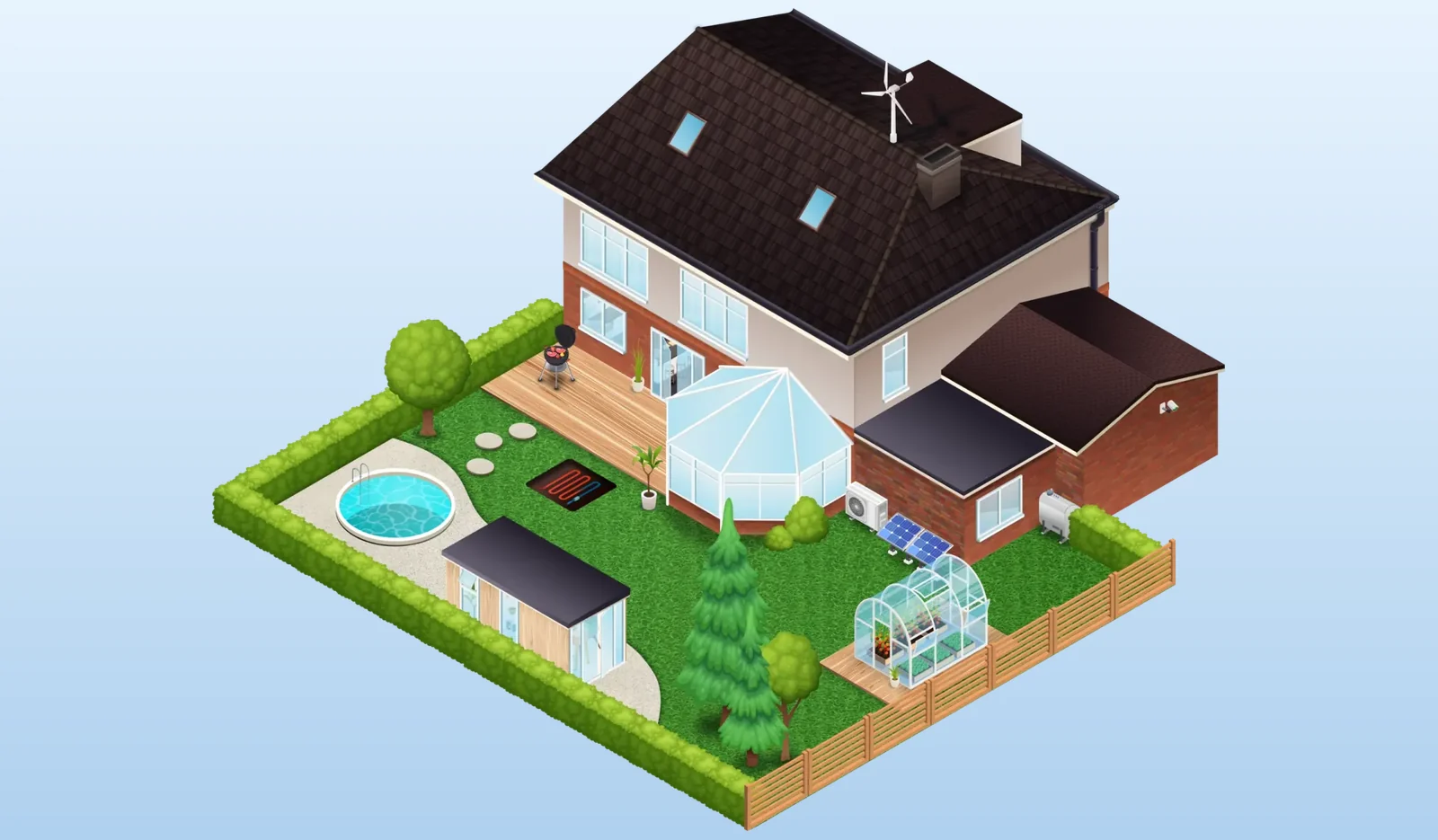
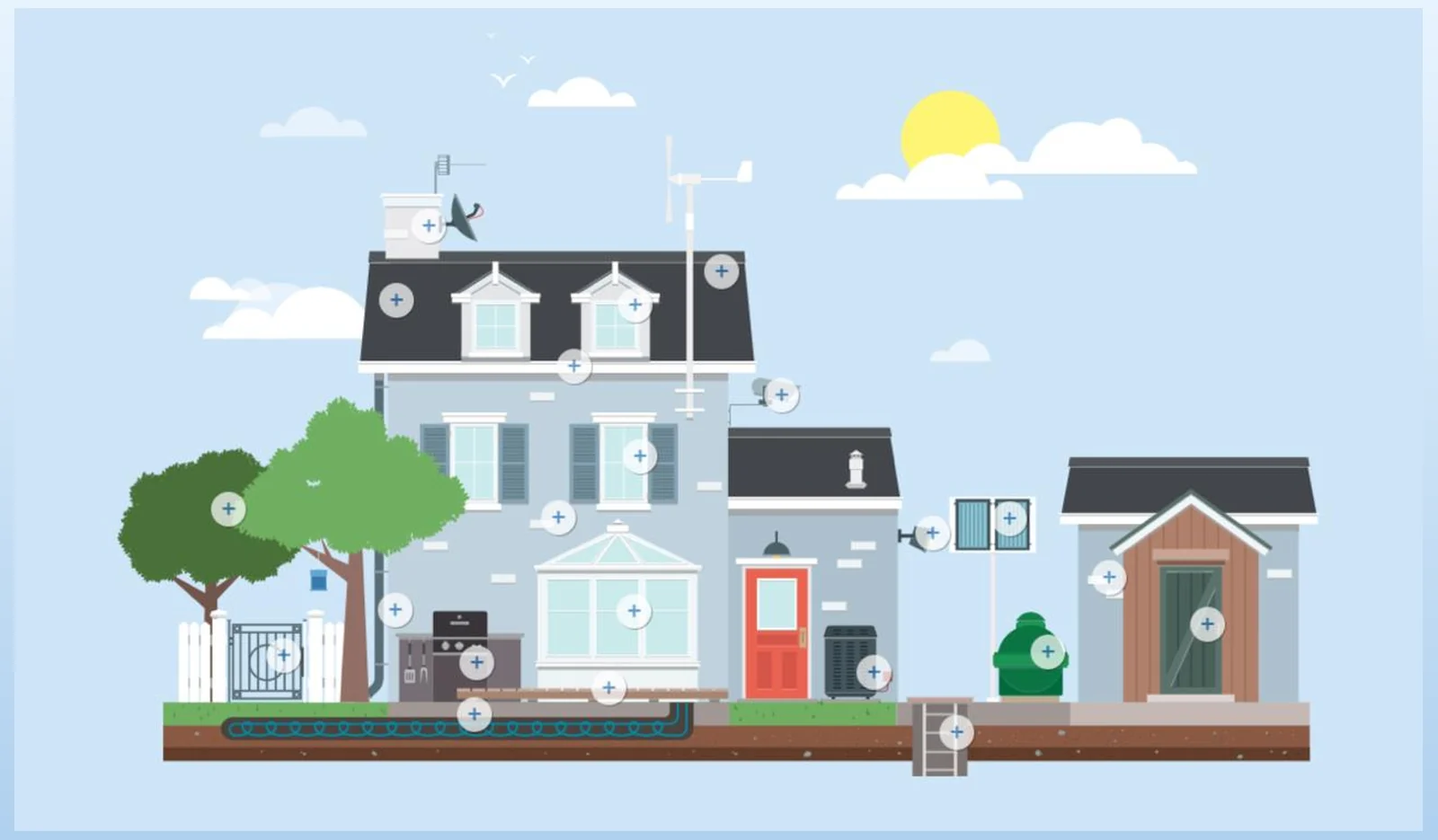
Simple ways to find your answer.
Everything is built around clicking and exploring, so people can start however they like, by clicking a room, searching, or just asking a question.
Click the rooms and outside areas of the house to see the guidance for each part of a home.
Six simple project guides, like conservatories, porches and loft conversions, with animations, clear explanations and downloadable PDFs.
A quick search that takes people straight to the right guidance.
An AI assistant that answers planning questions in plain, everyday language.
Searchable, easy-to-read answers to the questions people ask most.
A built-in feedback option, so the tool keeps improving based on what people need.
Built entirely in Webflow.
I built the whole thing in Webflow, so there was no separate hand-off to developers. A structured CMS keeps the guides easy to add to and update, the interactions and animations make it engaging, and the site meets WCAG 2.1 AA and works well on any screen.
A scalable Webflow CMS, so guides and content can be added and updated easily.
Interactions and animations that make the house engaging to click through.
Built to WCAG 2.1 AA, keyboard, contrast and screen-reader support throughout.
A considered experience from large desktops down to phones.
Featured by Webflow.
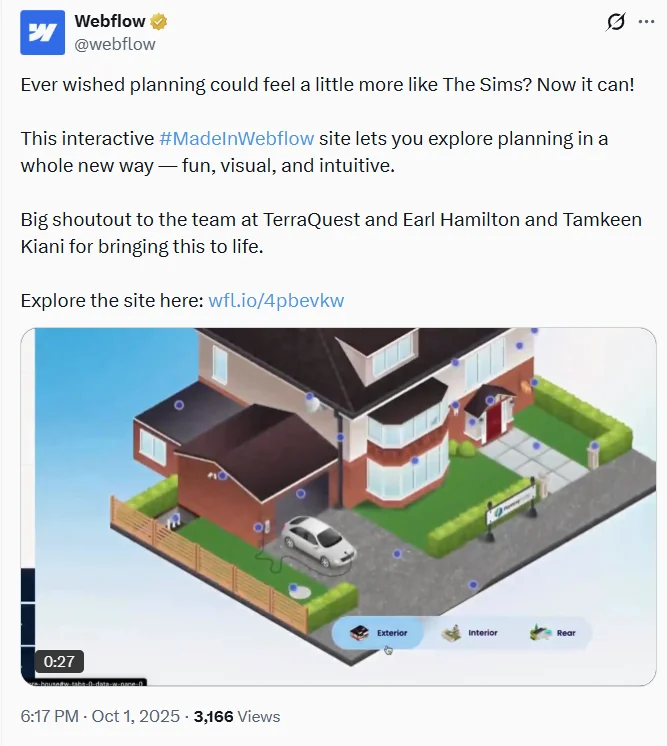
Webflow (301k+ followers) featured the Interactive House on their official channels as a standout #MadeInWebflow build.
“Ever wished planning could feel a little more like The Sims? Now it can, fun, visual, and intuitive.”
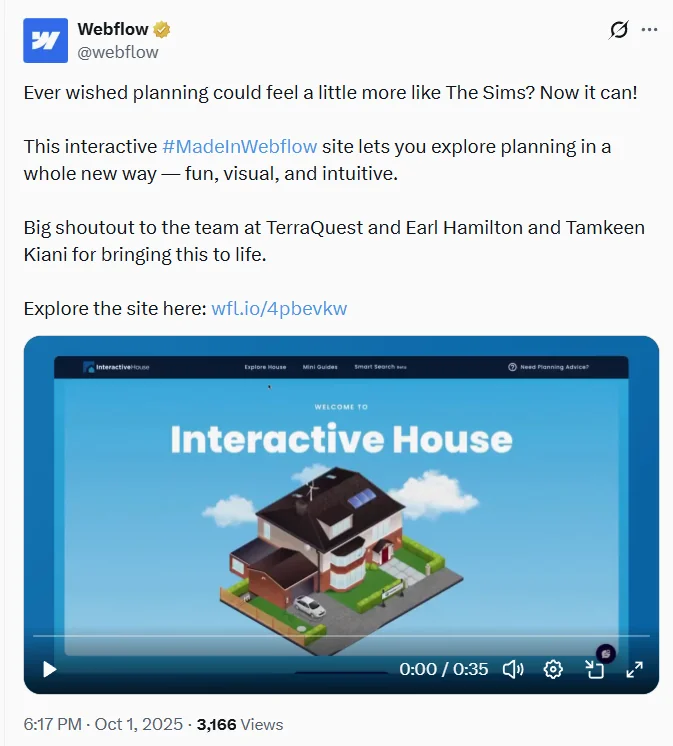
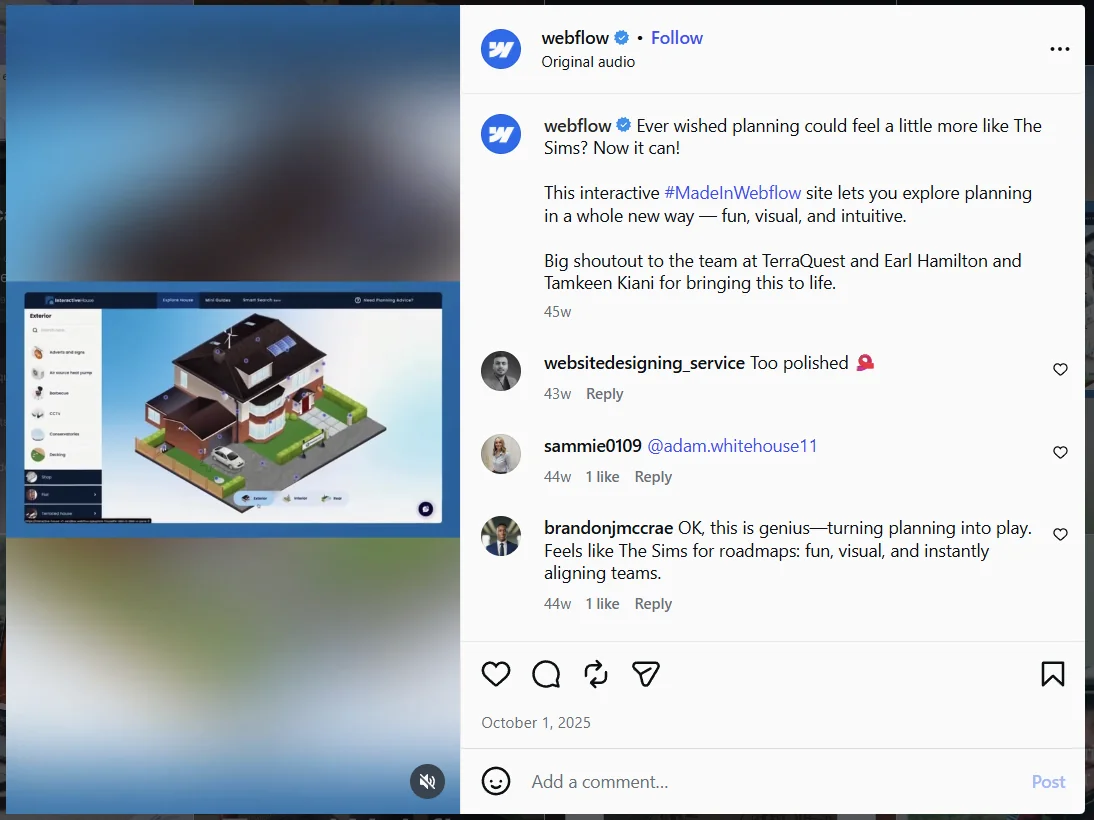
My own note when it went live: “Seeing it live now and being used by people makes me really proud.” ↗
Live and being used.
The Interactive House is live on the UK Planning Portal and is helping real homeowners understand planning, and Webflow featured it along the way. It is a simple example of how clear UX and a no-code build can make something complicated easy to use.
Explore the live site ↗